- Overview
- Key Features
- Screenshots
- Tutorials/Demos
- IDE Integration
- Docs
AppPerfect Java Code Test
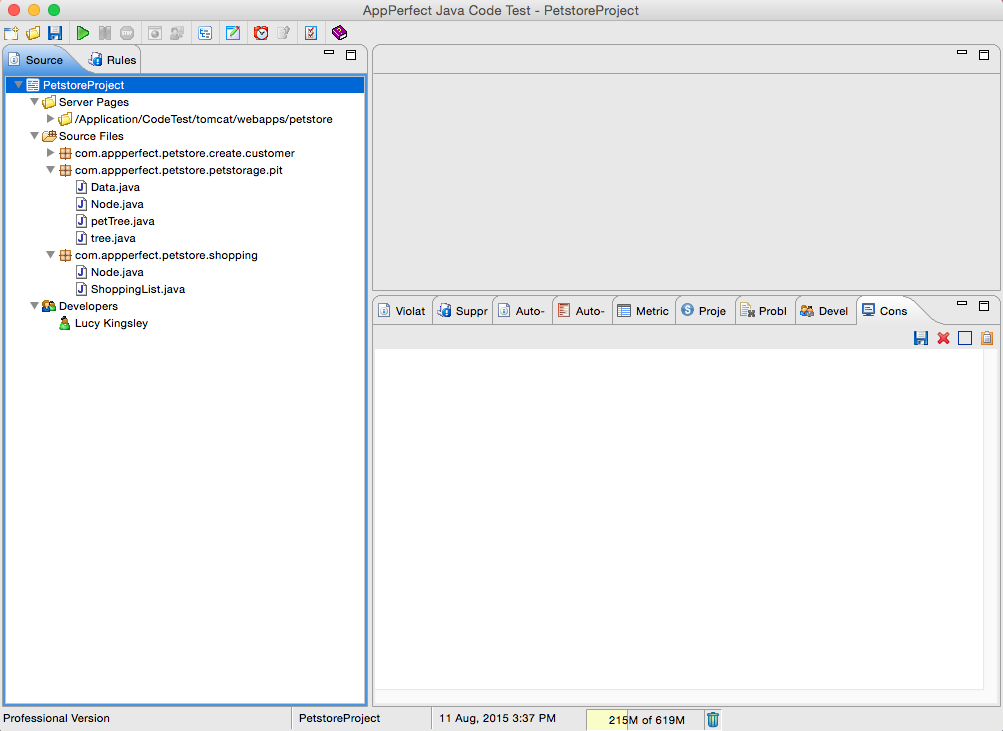
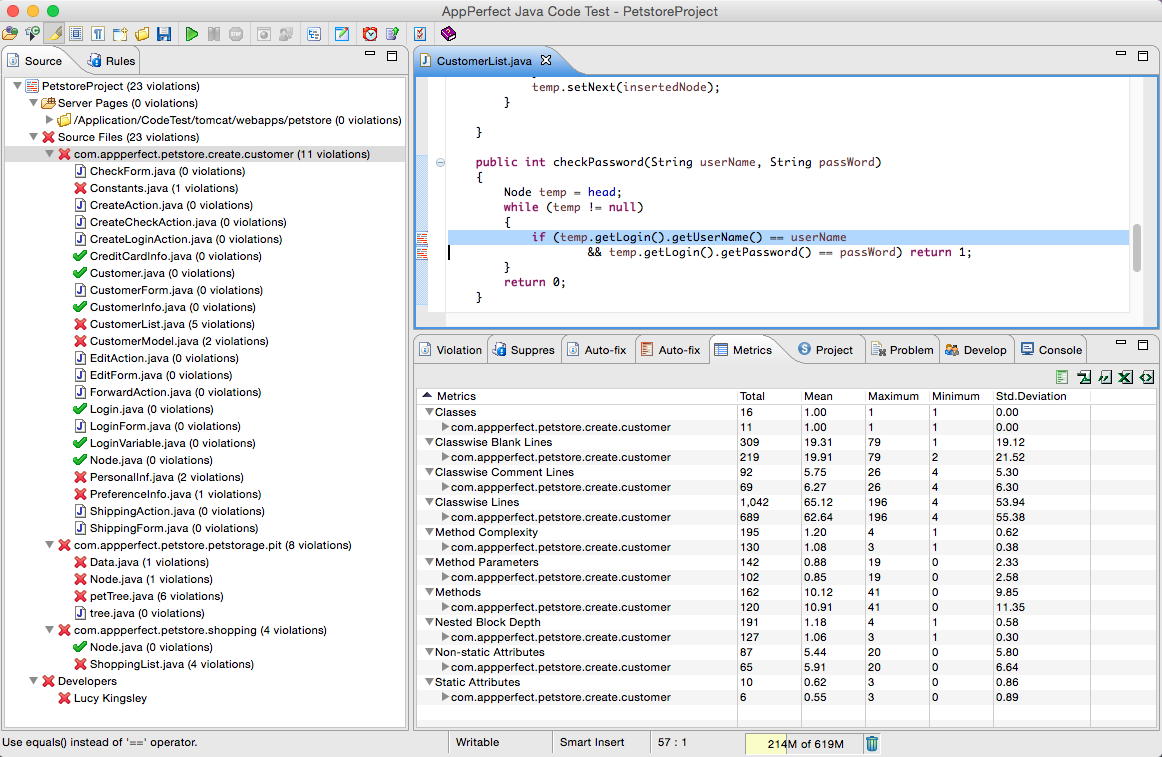
AppPerfect Java Code Test is a static Java code analysis software designed to perform the following two key tasks: Automate Java code review and Enforce Good Java Coding Practices. AppPerfect Code Test analysis your Java and Java Server Pages (JSP) source code and applies over 750 Java coding rules to apply the collective knowledge of leading experts in the Java programming field to your code.
Locating and fixing performance problems during source code development time is arguably the cheapest way to resolve problems. As your project goes past the development phase, in to testing and deployment, the cost of fixing problems grows exponentially. By conducting source code analysis and successfully identifying and correcting all such issues, software developers can eliminate the risk and potential costs early in the software development cycle.
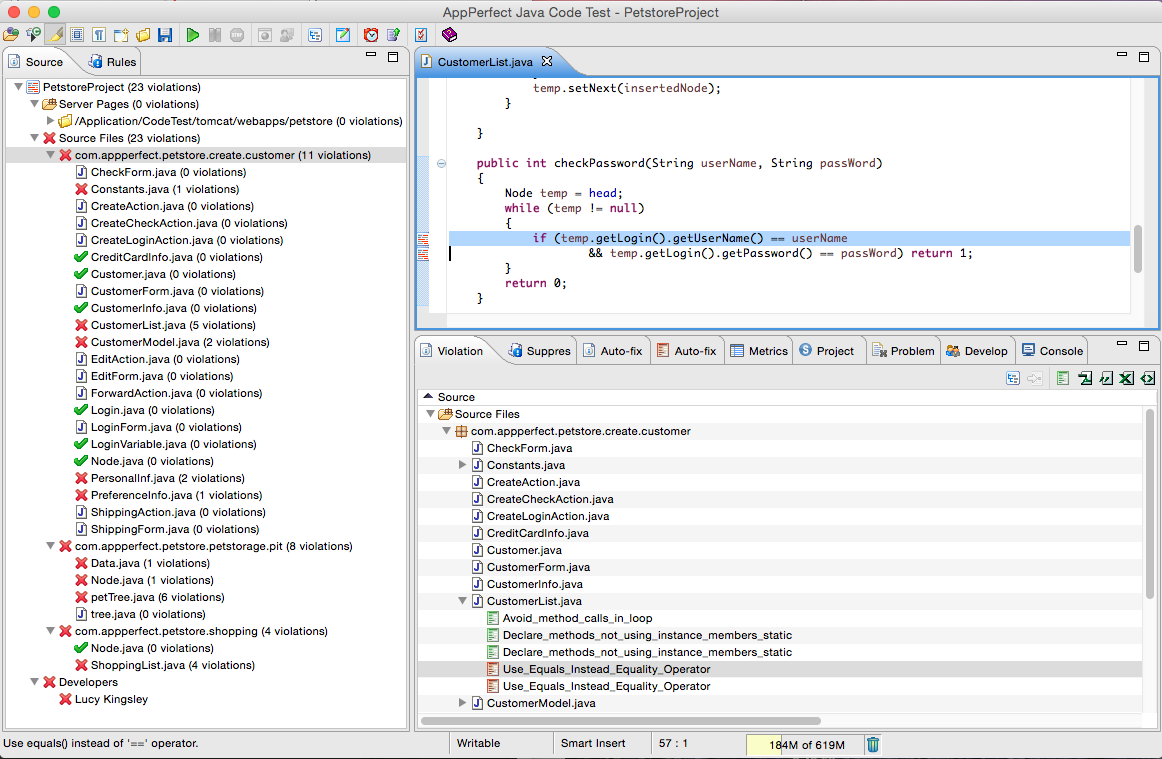
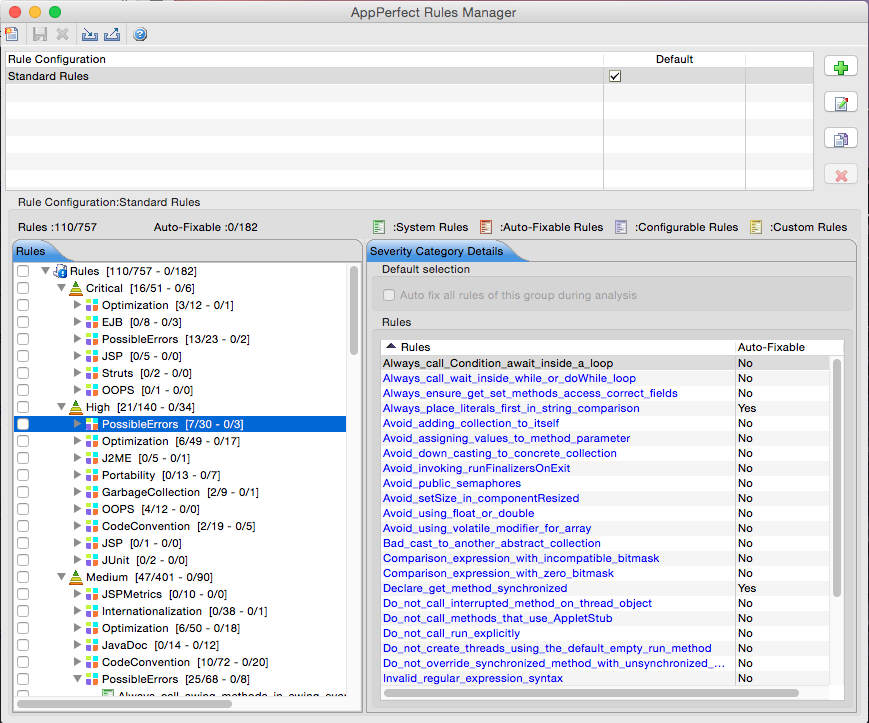
- Apply 750 Java coding rules: Test your Java code against over 750 built-in rules, representing the collective knowledge of numerous experts in the field. These rules are categorized into various functional areas such as security, optimization, portability, i18n, possible errors, coding standards, etc.
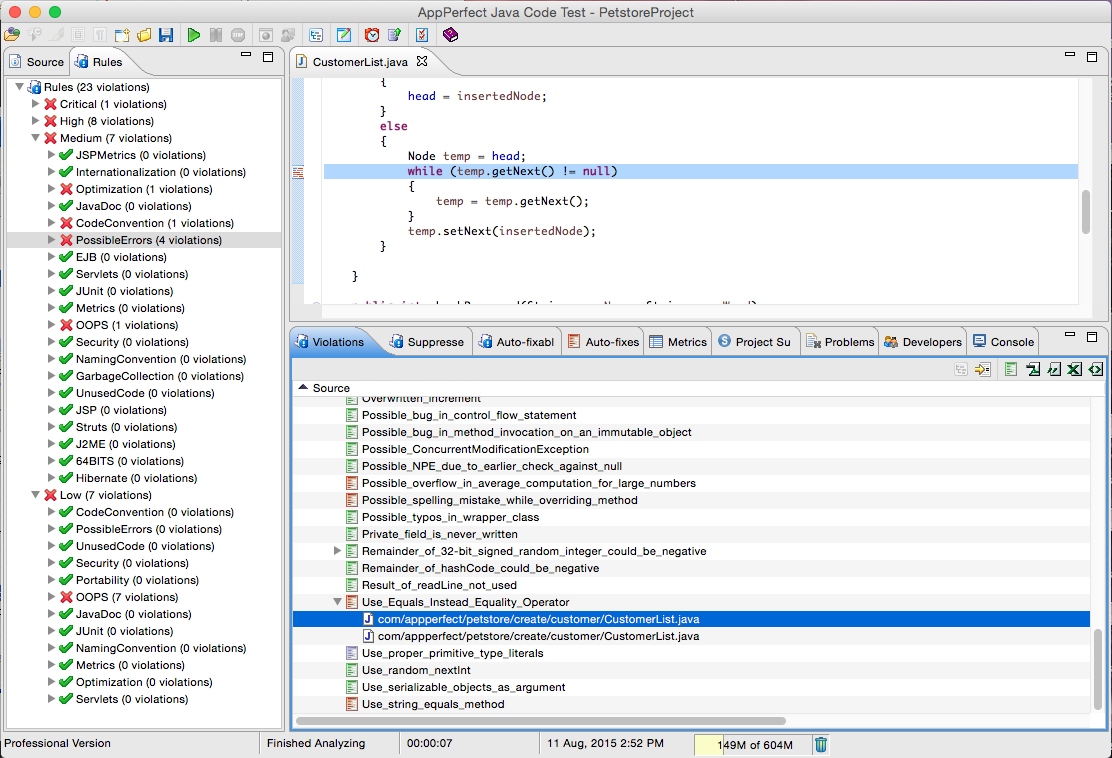
- Auto fix over 180 types of violations: Once errors are detected, AppPerfect can automatically fix over 180 types of violations. You simply review and approve the changes.
- Detailed Metrics Information: AppPerfect will thoroughly analyze your Java code and provides detailed information about various metrics for the source code like number of code lines, comments lines, complexities of methods, number of methods, etc. This information is vital for Java code compliance
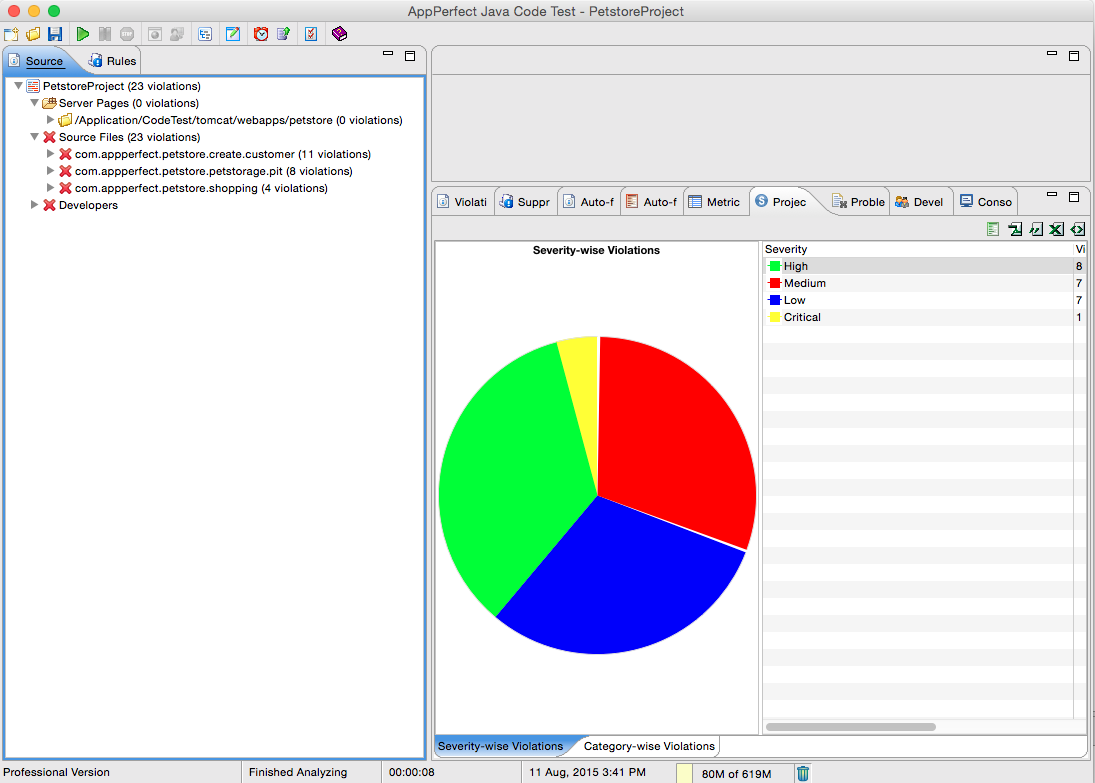
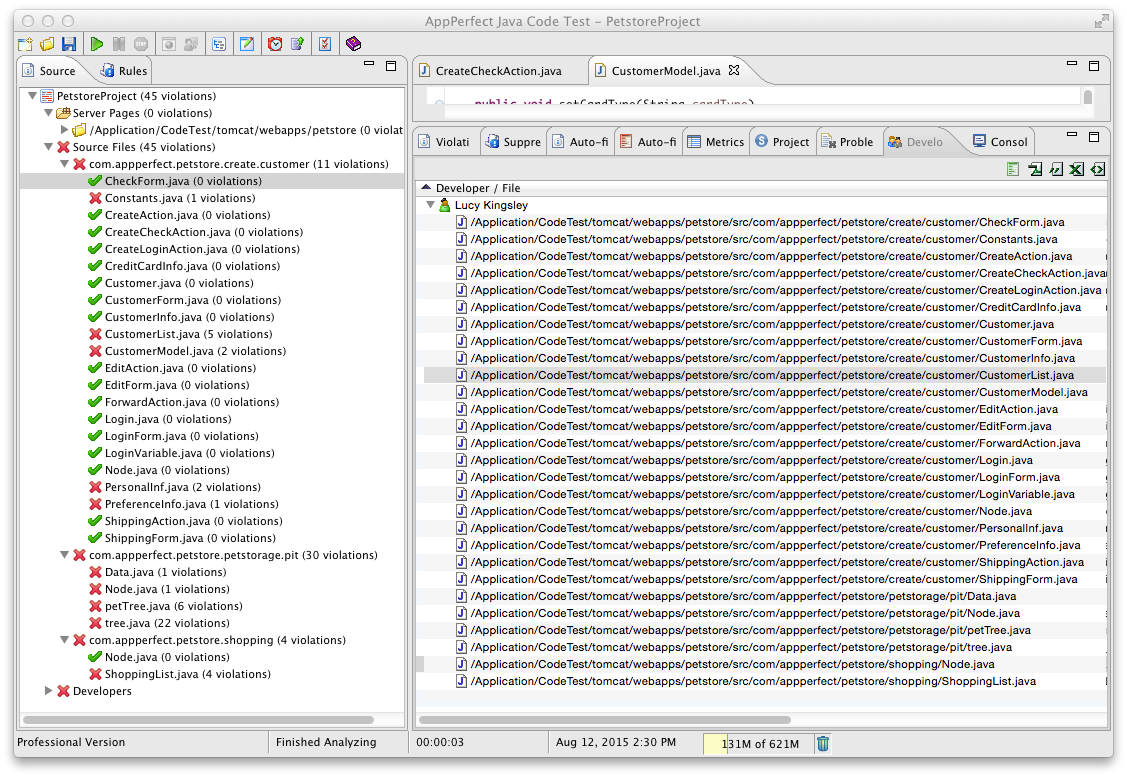
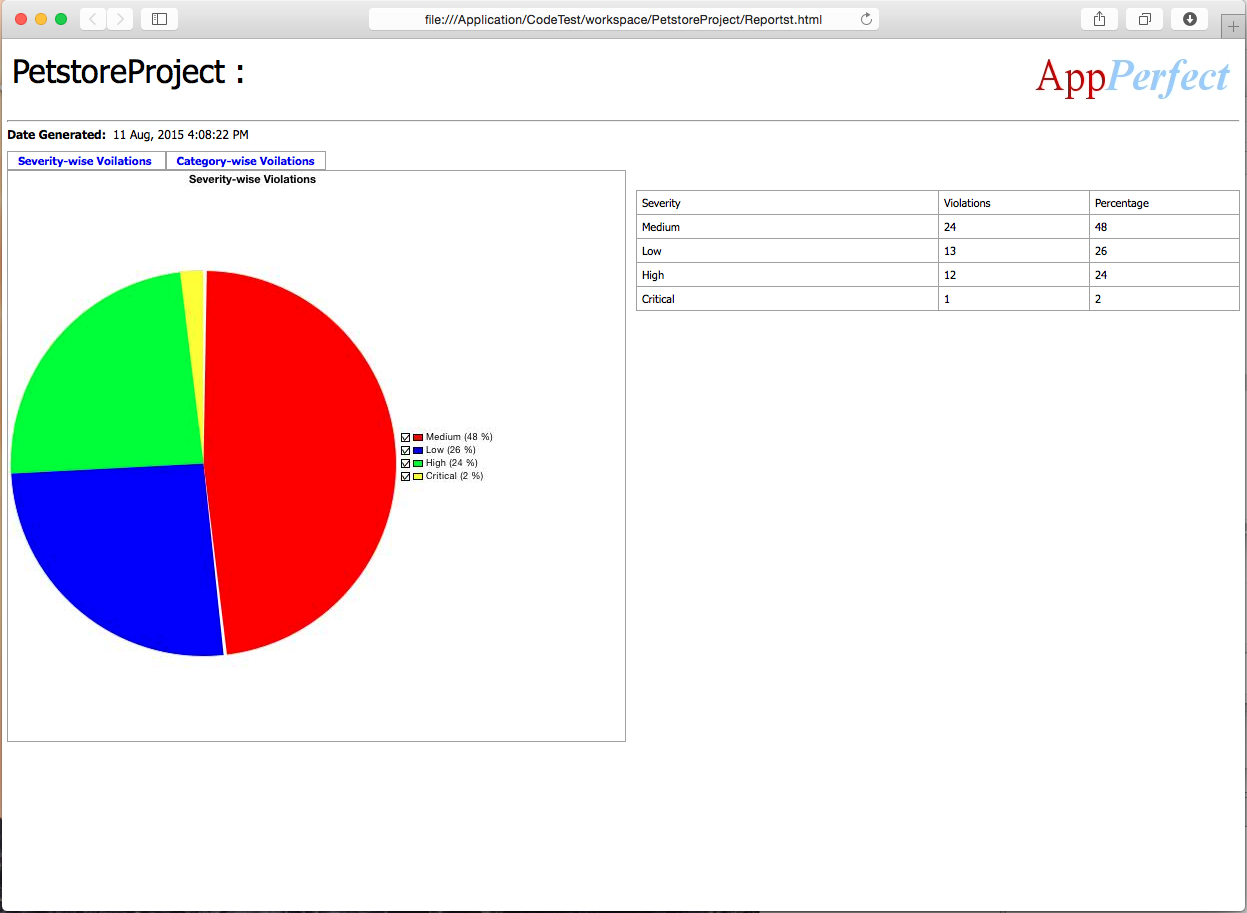
- Informative and user friendly reports: AppPerfect Java Code Analyzer provides reports that help you pin point problems in your code. These reports are available through the UI and can be exported into various formats like HTML, PDF, CSV, XLS, XML etc.
- Scheduling & Notification: You can automate your Java code review by scheduling your code analysis tests using the Test Manager product. You can also use the built in Notifications manager module of the Test Manager product to send an email, SMS or file notification when a test is complete.
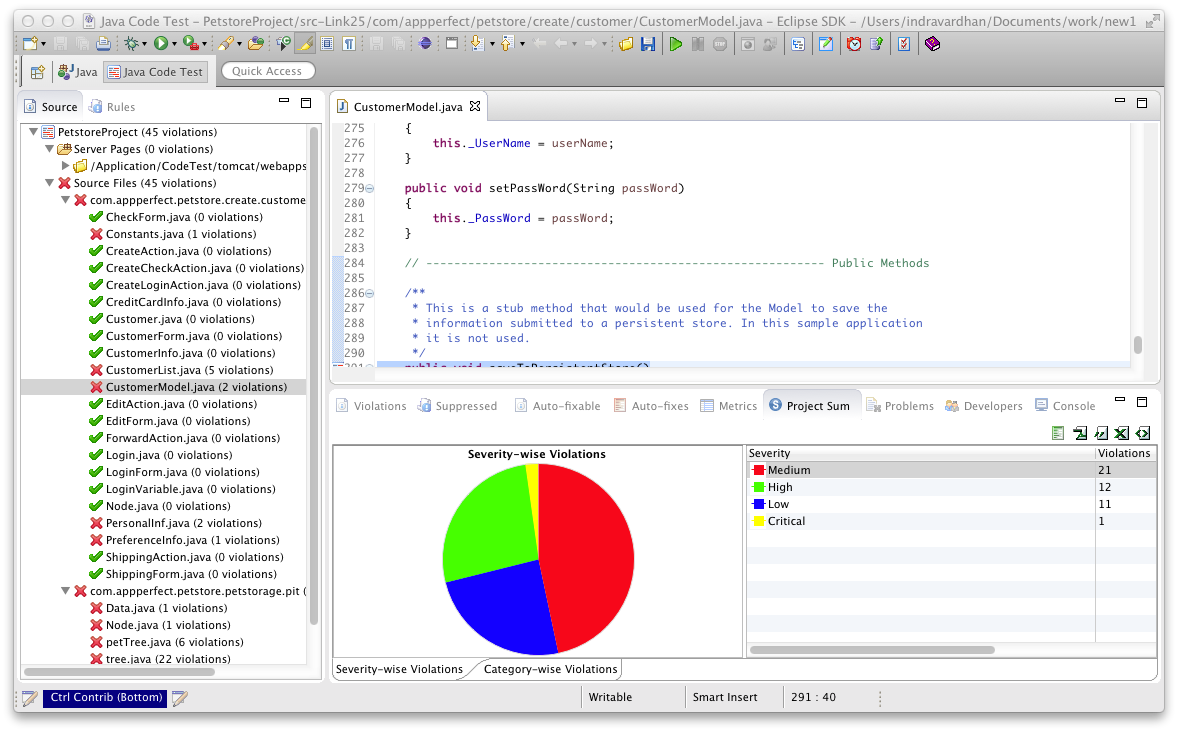
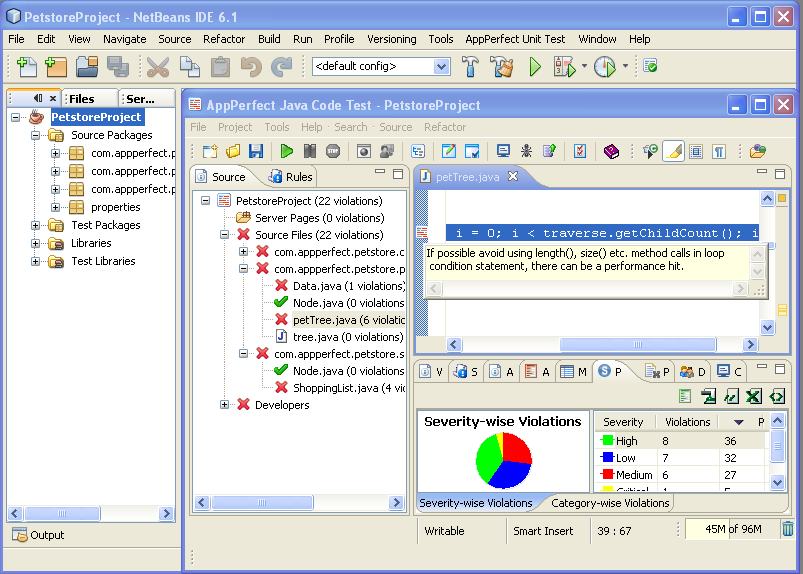
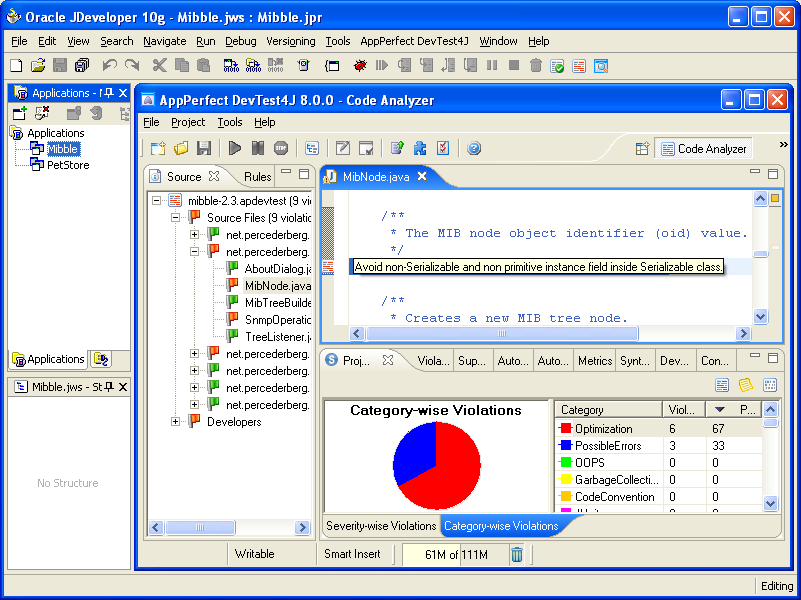
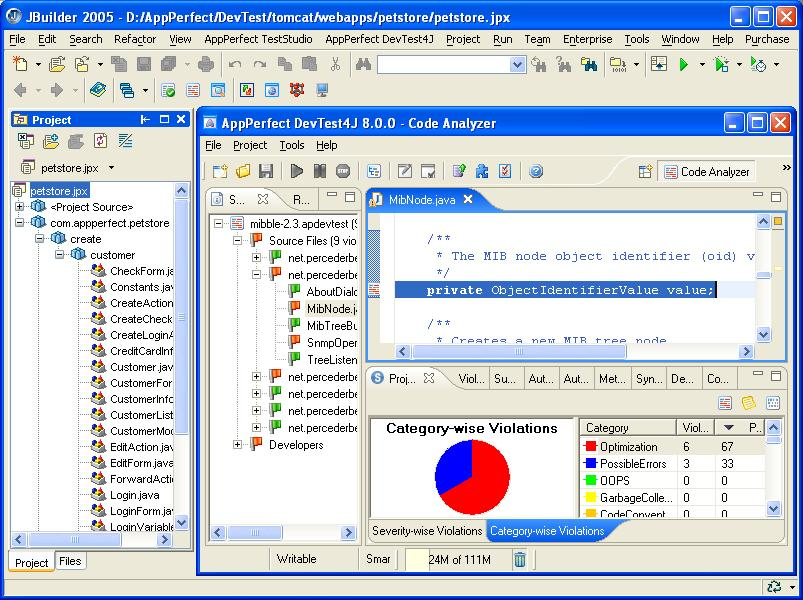
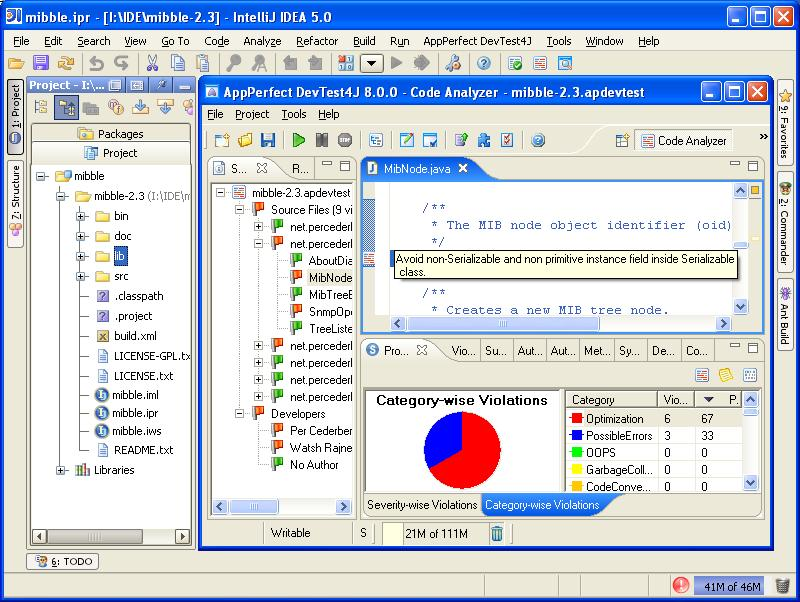
- IDE Integration: AppPerfect Java Code Test supports IDE integration with most commonly used IDEs. This enhances ease-of-use and productivity. Currently supported IDEs are Eclipse, NetBeans, IntelliJ, JBuilder and JDeveloper.
- ANT Integration and Command line execution: Test execution can be integrated into ANT build scripts to automate Java code testing. A more generic command line (non-UI) execution is also supported to execute tests from a .bat or .sh file.