- Overview
- Key Features
- Screenshots
- Tutorials/Demos
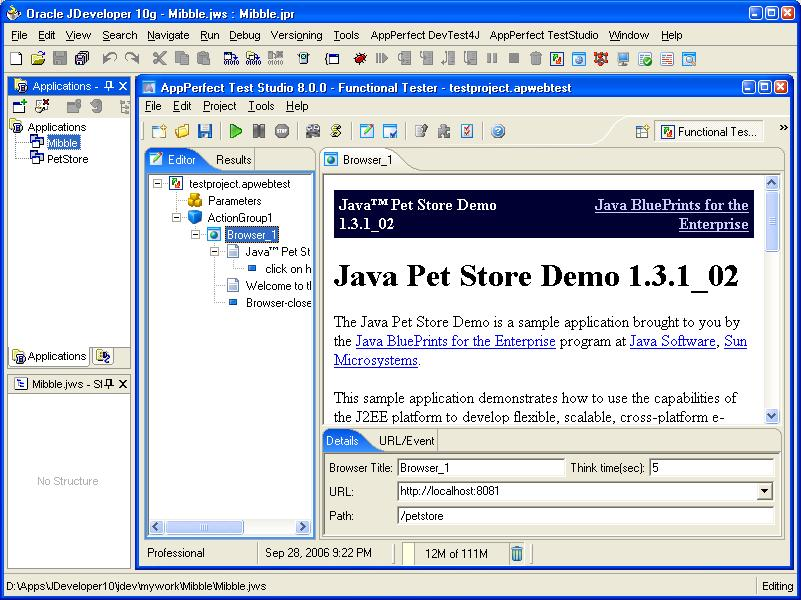
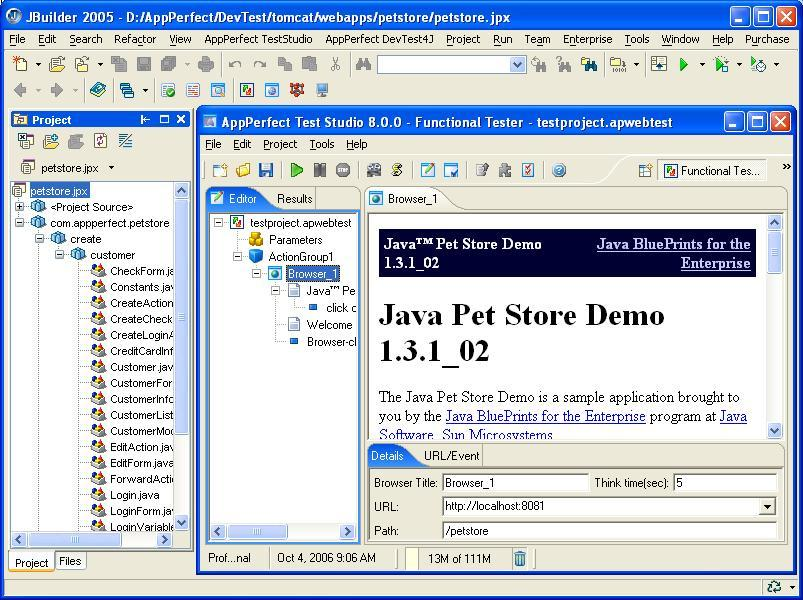
- IDE Integration
- Docs
Automated Web Functional testing & Regression testing
All software are designed and developed to meet and satisfy certain functional needs. A functional need may be technical, business, or process based. Functional Testing is the process by which expected behavior of an application can be tested. Implementing functional testing for your application early in the software development cycle speeds up development, improves quality and reduces risks towards the end of the cycle.
Most software undergo changes over a period of time. These changes may occur during the course of a single release, or across multiple releases. Any change to the software increases the chance of errors or bugs being introduced that breaks existing functionality (called a Regression). Regression Testing is the process of frequently re-testing a software to ensure known existing behavior or functionality is not broken.
AppPerfect Web Test is a fully Automated Web Functional Testing and Regression Testing software. Any application accessible via a Web browser can be tested. AppPerfect Functional Tester is designed for developers as well as QA professionals. It provides a rich set of features in an easy-to-use manner that makes both groups productive immediately.
At the heart, AppPerfect Web Test provides support for "recording" Web browser events and "replaying" them automatically. Automated Web functional testing can save a substantial amount of time and resources that would be otherwise spent on trying to test the system manually. As the size and complexity of applications have grown, it has become increasingly difficult to ensure functional compliance and to ensure no regressions over time. Even a small size project can generate excessive permutations and combinations of test cases that are too big for a human to test consistently and continually. AppPerfect Web Test automates this task for you and helps you improve the quality of your Web applications and drastically reduces the time it would take to get your product out into the market.

- Browser recording: Recording a test with AppPerfect Web Test is as easy as Web browsing. All the actions you perform in your Web browser are automatically recorded and replayed. There is no need for extensive setup or to learn any proprietary scripting language. Recording from multiple instances of a Web browser is also simultaneously.
- Element-based, not co-ordinate based:It records browser interaction in terms of the actual element, rather than just screen co-ordinates. This makes your tests are more flexible and portable across machines, and easier to modify and update.
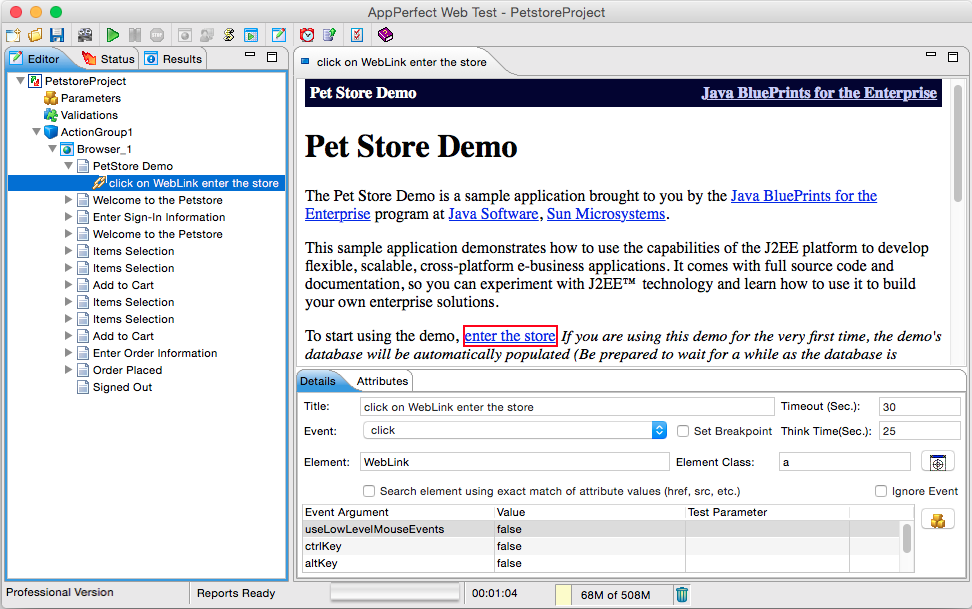
- UI based editing of tests: AppPerfect Web Test provides user friendly UI which allows you to edit your existing tasks as well as add new tasks easily. This enables you to easily keep up with the changes in your target application.
- Parameterized Tests: In real world scenario, for any Web-based application, the pages that are requested are most often not static pages. Most pages accept some parameters as input and then correspondingly show the appropriate customized content. Parameterized functional tests feed these parameters automatically to the request and thus help simulate a more realistic usage environment. AppPerfect Functional Tester can read values from text files, databases etc.
- Response Validation: You can validate the responses received for a URL request. You can customize what constitutes a valid or invalid response for an URL request based on response code, text contained in the response or any other logic you need.
- Advanced Technology: AppPerfect Web Test supports functional testing applications based on .NET, ASP, Servlets/JSP, CGI, SSL and most other server-side Web technologies. It also supports functional testing of advanced Web browser technologies such as AJAX, Flash and Java Applets.
- Object Spy: AppPerfect Functional Tester provides functionality to Spy on any HTML element and fetch its properties. This makes it easier to add any new HTML element to your existing functional test and build on the Test Cases as and when additional functionality is added to your product.
- Scripting Support: For advanced users AppPerfect Functional Tester provides scripting language support. The scripting language used is simple java script, users can view/edit the functional test using script editor provided. Users can customize a functional test as much as they want using java script.
- Support for basic authentication, cookies, SSL: With the AppPerfect Functional Tester, you can functional test URLs that require basic authentication as well as those using HTTPS by allowing the configuration of the SSL Provider. It also handles the sending of cookies with the appropriate requests and supports URL rewriting if your application uses it. Two way SSL authentication is also supported.
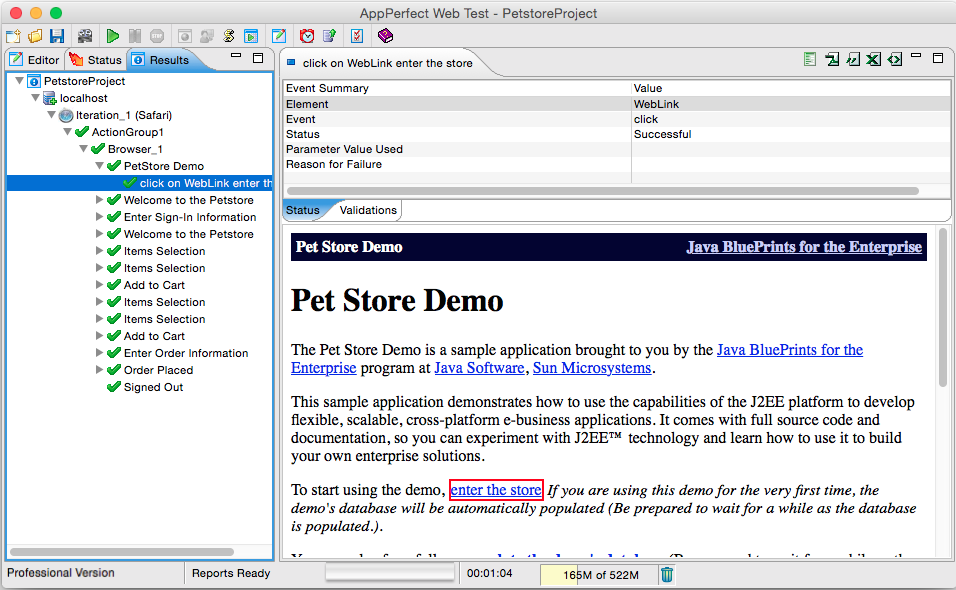
- Informative and user friendly reports: AppPerfect Functional Tester provides reports that help you pin point failure points of the functional test. These reports are available through the UI and can be exported into various formats like HTML, PDF, CSV, XLS, XML etc.
- Scheduling and Notification: You can automate your testing by scheduling them using the Test Manager product. You can also use the Notifications manager module of the Test Manager product to send an email, SMS or file notification when a test is complete.






Tutorials
- Functional Testing a Web Application
- Parameterizing a Web test
- Validating a Web test
- Functional Testing a Flash Application
- Functional Testing a SOAP WebService